Label Studio and Prodigy are both AI labeling tools with distinct features that cater to different audience needs. Label Studio, with 26,922 GitHub stars, is highly regarded for its robust data labeling features and wide array of integrations, while Prodigy is praised for its advanced AI capabilities and user-friendly interface, offering a subscription-based model with a lifetime license option.
Best for
Label Studio is the better choice when handling multi-modal data labeling tasks, particularly in computer vision, document AI, and comprehensive team collaborations using tools like Slack and Jira.
Best for
Prodigy is the better choice when focusing on AI-driven NLP tasks with a need for advanced workflows and operating entirely on local machines, preferred by teams with privacy concerns.
Key Differences
Verdict
Engineering teams should opt for Label Studio when they need extensive cloud integration and task management features. On the other hand, Prodigy is ideal for teams that require advanced NLP capabilities with complete on-premise data control. The decision largely depends on the specific data workflows and privacy needs of your organization.
Label Studio
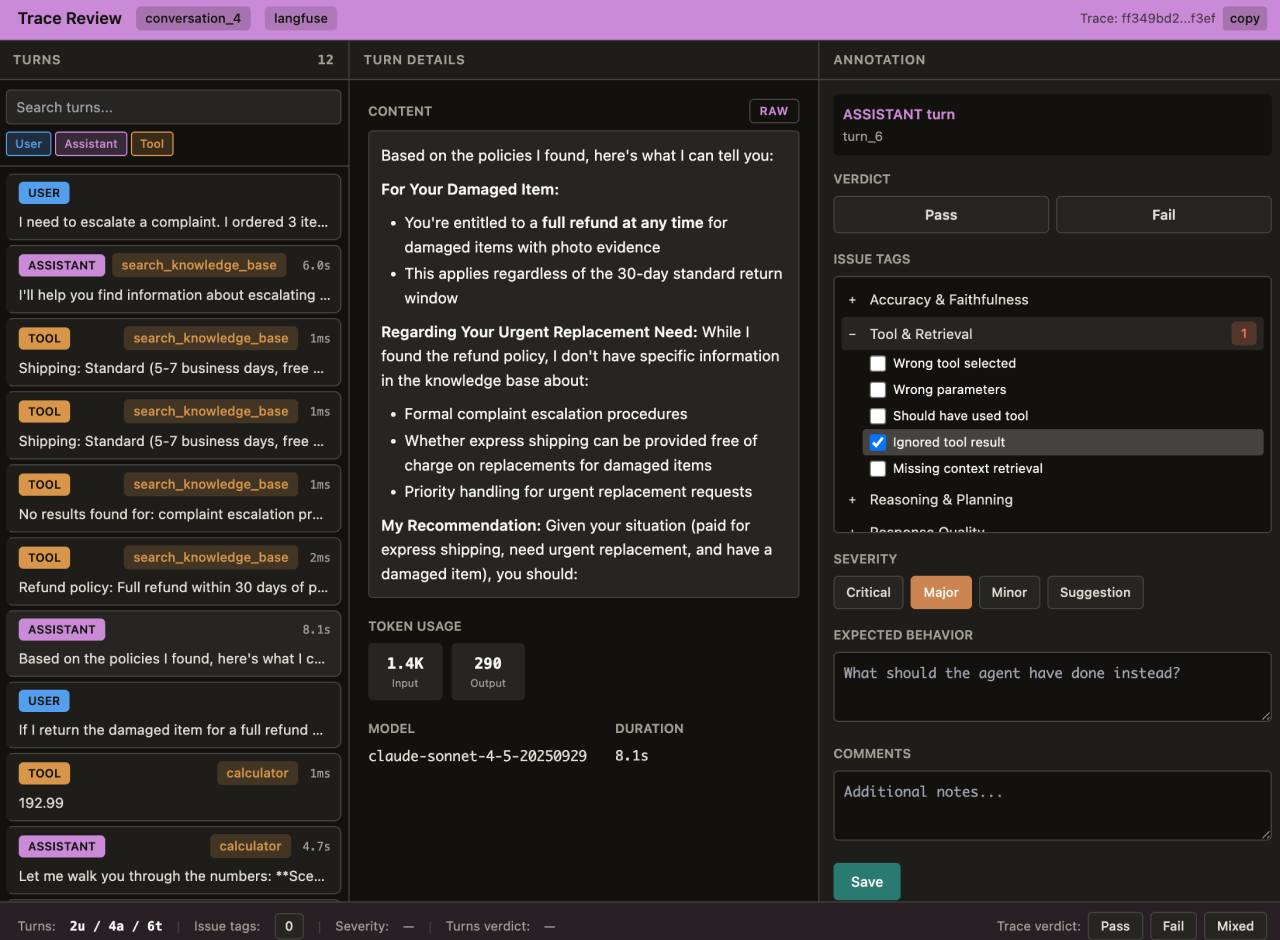
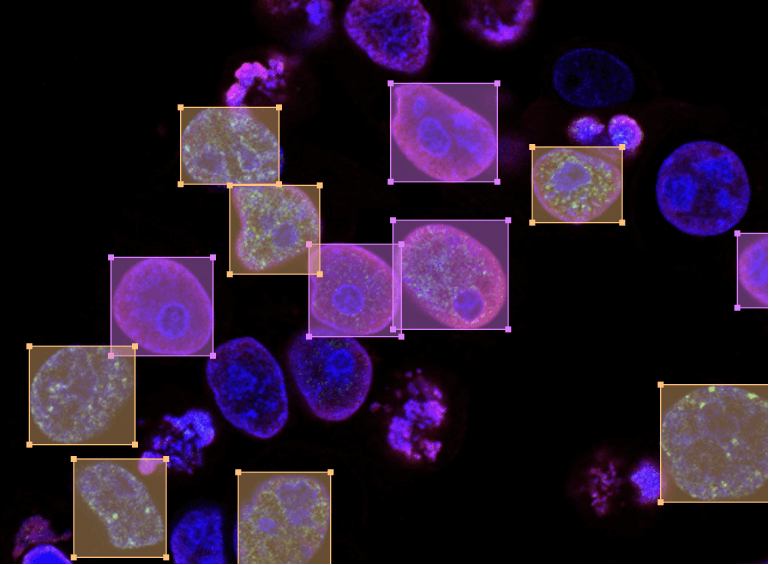
Multi-modal data labeling and annotation platform for agent traces, LLM evals, RLHF, computer vision, document AI, NLP, audio transcription, and more.
Label Studio is praised for its robust features and versatility in handling various data labeling tasks, which makes it popular among developers and data scientists. However, some users express dissatisfaction with occasional bugs and a learning curve for new users. The tool is generally perceived as offering good value for its features, though detailed sentiment on pricing is sparse. Overall, Label Studio enjoys a solid reputation as a reliable tool for effective data annotation.
Prodigy
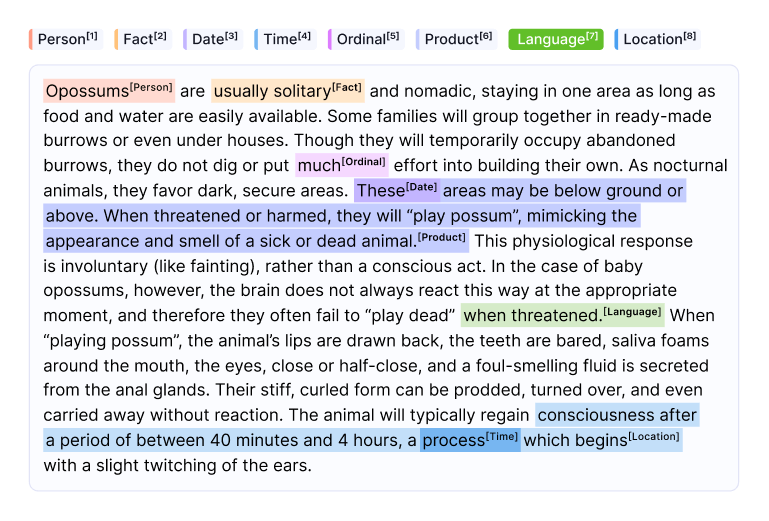
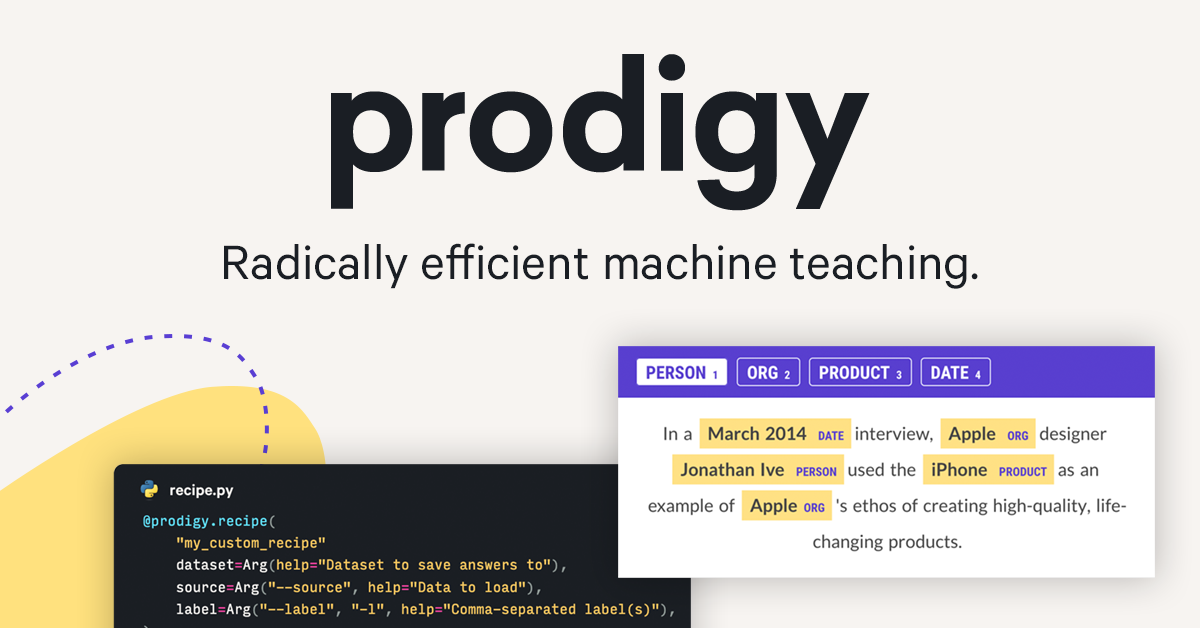
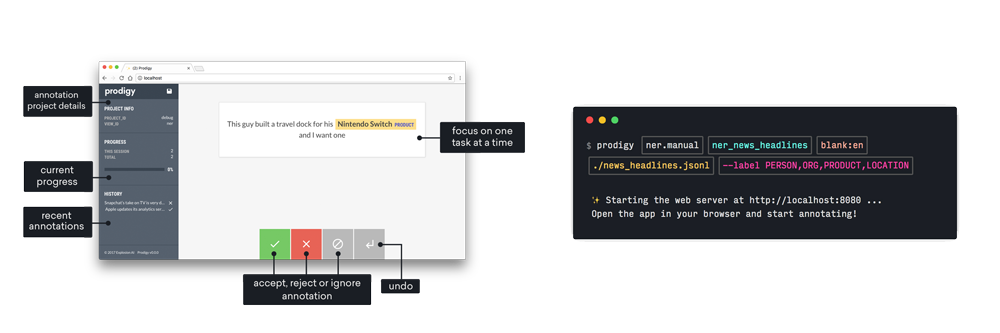
A downloadable annotation tool for LLMs, NLP and computer vision tasks such as named entity recognition, text classification, object detection, image
Prodigy is generally praised for its advanced AI capabilities and user-friendly interface, making it a popular choice among those looking for efficient software solutions. However, detailed insights into user feedback regarding specific strengths or complaints are limited in the available data. Pricing sentiment is not mentioned, so it is unclear how users feel about the cost of the tool. Overall, Prodigy seems to have a positive reputation, particularly in the realm of AI-driven technologies.
Label Studio
Stable week-over-weekProdigy
Stable week-over-weekLabel Studio
Prodigy
Label Studio
Prodigy
Label Studio
Prodigy
Label Studio (2)
Prodigy (8)
Only in Label Studio (10)
Only in Prodigy (10)
Only in Label Studio (15)
Only in Prodigy (15)
Label Studio
Label Studio
Prodigy
Shared (2)
Only in Prodigy (3)
Label Studio is more suited for large-scale computer vision projects due to its comprehensive features like object detection and semantic segmentation.
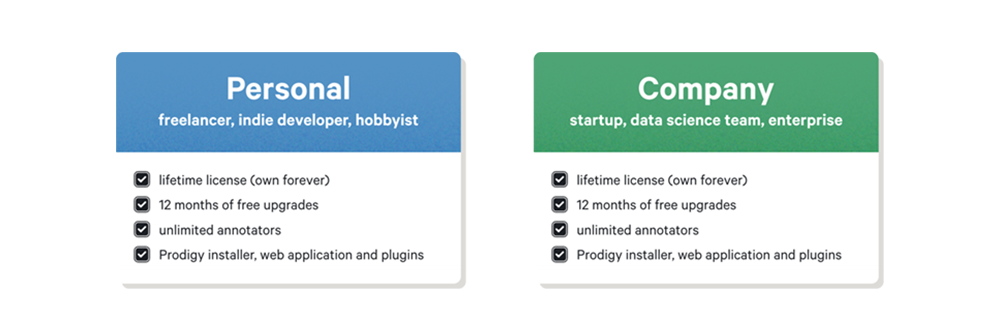
Label Studio follows a tiered pricing model, whereas Prodigy offers a subscription model with the option to pay once for a lifetime license.
Label Studio, with 26,922 GitHub stars, indicates a larger community engagement compared to Prodigy, whose community support data is less documented.
Yes, both tools can be integrated into a workflow where Label Studio handles diverse data types and Prodigy focuses on localized, AI-driven annotations.
Prodigy is generally considered more user-friendly due to its intuitive interface, making it easier for new users to get started quickly compared to Label Studio.